
- Best for
- SMB marketing teams needing research, PPC data and content tools
- Starting price
- SEO plan, $117.33/mo billed annually ($139 monthly)
- Free plan
- Free account, $0/mo, 1 demo project, 10 reports per day
- Features listed
- 5 highlighted
Prices verified November 25, 2026
SEO desk · 10 tools compared
Best SEO Software in 2026: 10 Tools Ranked for Buyers
Ten SEO tools ranked by data depth, price and fit for November 2026, with honest limits and the buyer each one actually suits.
Semrush is the best SEO software for most SMB marketing teams at $117.33/mo billed annually, because research, PPC data and content tools sit in one login. Ahrefs suits link builders and agencies that live in backlink data, from $29/mo on Starter. Surfer fits content teams grading drafts against pages already ranking, from $49/mo billed yearly. Prices were checked on November 25, 2026. The list covers ten tools, from a free desktop crawler to all-in-one platforms, plus the paid Featured placement.
Top 3 picks
- Best for
- Link builders, agencies and in-house teams focused on backlink data
- Starting price
- Starter, $29/mo
- Free plan
- Ahrefs Free, limited Site Explorer and Site Audit
- Features listed
- 4 highlighted
- Best for
- Content teams optimizing drafts against pages already ranking
- Starting price
- Discovery, $49/mo billed yearly
- Free plan
- No
- Features listed
- 4 highlighted
Disclosure for this page: Keytomic is a paid Featured listing on this page and is labelled wherever it appears. The other 9 tools are unpaid editorial picks, and no vendor reviewed this page before publication. The position of a paid listing can be part of what the vendor pays for. The same rubric and the same honest cons apply to paid and unpaid rows. How we handle paid listings.
Compare all 10 at a glance
| Tool | Best for | Free plan | Actions | |||
|---|---|---|---|---|---|---|
| 1 |  Semrush | SMB marketing teams needing research, PPC data and content tools | SEO plan, $117.33/mo billed annually ($139 monthly) | Yes | ||
| 2 |  Ahrefs | Link builders, agencies and in-house teams focused on backlink data | Starter, $29/mo | No | ||
| 3 |  Surfer | Content teams optimizing drafts against pages already ranking | Discovery, $49/mo billed yearly | No | ||
| 4 |  KeytomicFeatured | Teams wanting research, content, publishing and AI visibility automated | Pro, $99/mo billed monthly | No | ||
| 5 | Clearscope | Editors and content teams wanting simple grading and unlimited seats | Essentials, $129/mo | No | ||
| 6 | Screaming Frog SEO Spider | Anyone needing a proper technical audit without a subscription | Free (500 URLs); paid licence: see website | Yes | ||
| 7 |  SE Ranking | Agencies and freelancers wanting affordable rank tracking and white-label reports | Core, $103.20/mo billed annually | No | ||
| 8 |  Ubersuggest | Solo business owners and bloggers doing budget keyword research | See website | Yes | ||
| 9 |  Yoast SEO | WordPress site owners handling on-page SEO inside the CMS | Premium, $9.90/mo billed annually ($118.80/yr) | Yes | ||
| 10 |  SpyFu | Marketers needing competitor keyword research for SEO and PPC | Basic, $59/mo billed monthly | No |
On this page
- Key takeaways
- Top 3 picks
- Comparison table
- How we chose and scored these tools
- Scoring rubric
- 1. Semrush
- 2. Ahrefs
- 3. Surfer
- 4. Keytomic
- 5. Clearscope
- 6. Screaming Frog SEO Spider
- 7. SE Ranking
- 8. Ubersuggest
- 9. Yoast SEO
- 10. SpyFu
- What does SEO software actually do for a buying team?
- How SEO software pricing works, and where the bill grows
- How to choose SEO software in six practical steps
- Five buying mistakes that cost SEO teams money
- FAQ
- Related pages
How we chose and scored these tools
Every tool here was scored against the same five criteria: data depth (30%), workflow fit (25%), pricing clarity (20%), ease of use (15%) and plan limits (10%). Data depth asks how large and how fresh the keyword, backlink and SERP data is. Workflow fit asks how much of the research to publish job the tool handles before you open another app. Pricing clarity asks whether entry plans, seat costs and caps are stated plainly enough to build a budget. Ease of use asks how fast a non-specialist gets a usable answer. Plan limits asks whether document, keyword and crawl caps are visible before purchase.
Prices, plan names, free plans and trial lengths come from vendor pricing pages checked on November 25, 2026. Where a page would not load or a figure could not be confirmed, the listing says so rather than filling in a number from memory. Plan names change: Semrush retired Pro, Guru and Business in May 2026, so older pricing references in blog posts and cached pages are unreliable.
The Featured listing on this page is a paid placement. It is scored with the same rubric and carries the same kind of cons, including limits we would raise with a client. Position reflects the rubric scores plus fit for the buyer described, not payment alone.
Free plans and trials are noted because they change the real cost of evaluation. A 3-day trial and a 14-day trial are very different amounts of time to run a live campaign test, and we treat that as part of the buying decision rather than a footnote.
The full process, including how we handle corrections, is on the methodology page. Paid listings follow our advertising disclosure.
The scoring rubric
| Criterion | Weight | What we check |
|---|---|---|
| Data depth | 30% | Size and freshness of the keyword, backlink and SERP data behind the tool. |
| Workflow fit | 25% | How much of the research to publish job the tool handles before you switch apps. |
| Pricing clarity | 20% | Whether entry plans, seat costs and caps are stated plainly enough to build a budget. |
| Ease of use | 15% | How quickly a non-specialist gets a usable answer without training. |
| Plan limits | 10% | Whether document, keyword, credit and crawl caps are visible before you buy. |
Semrush
Keyword database breadthSEO plan, $117.33/mo billed annually ($139 monthly)Free planRubric 8.1
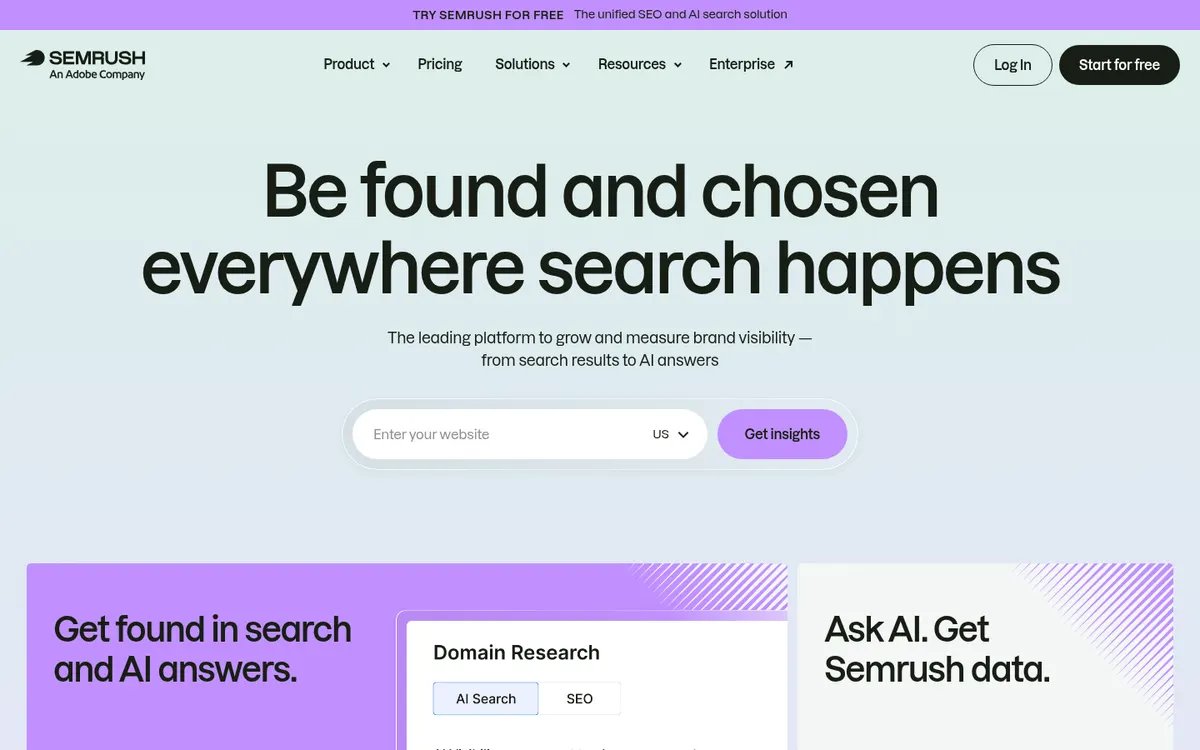
The broadest all-in-one here, best value when one team needs organic, paid, content and local data from a single login.
Semrush is the widest single purchase here. One login covers keyword research backed by a 29 billion keyword database, site audits, rank tracking, backlink analysis, PPC keyword and ad research, plus content tools. For an SMB team, that breadth removes tab switching.
The plan structure changed in May 2026 after the Adobe acquisition, so older pricing screenshots are out of date. The entry SEO plan allows 5 projects and 500 tracked keywords, enough for a small site portfolio and thin for agency work. Pricing starts at $117.33 per month billed annually, or $139 monthly. It includes one seat; extra seats cost $45 per user per month, pushing real cost above the headline. The 7-day trial is short, so plan two or three real tasks.
Semrush fits teams wanting one vendor for organic and paid research and content planning, with a single-seat entry plan. It is poor for pure link building, where Ahrefs gives deeper backlink data for less.
Pros
- Broadest tool set in one login
- 29 billion keyword database
- 5 projects and 500 tracked keywords on entry plan
Cons
- One seat included; extra seats $45/user/mo
- Higher tiers rise steeply in price
- 2026 plan rename makes old pricing references obsolete
Pick it if
You want organic, paid, content and local research from one vendor and can work within a single seat.
Skip it if
You need deep backlink work on a tight budget or more than one user from day one.
Ahrefs
Daily backlink crawlStarter, $29/moNo free planRubric 7.8
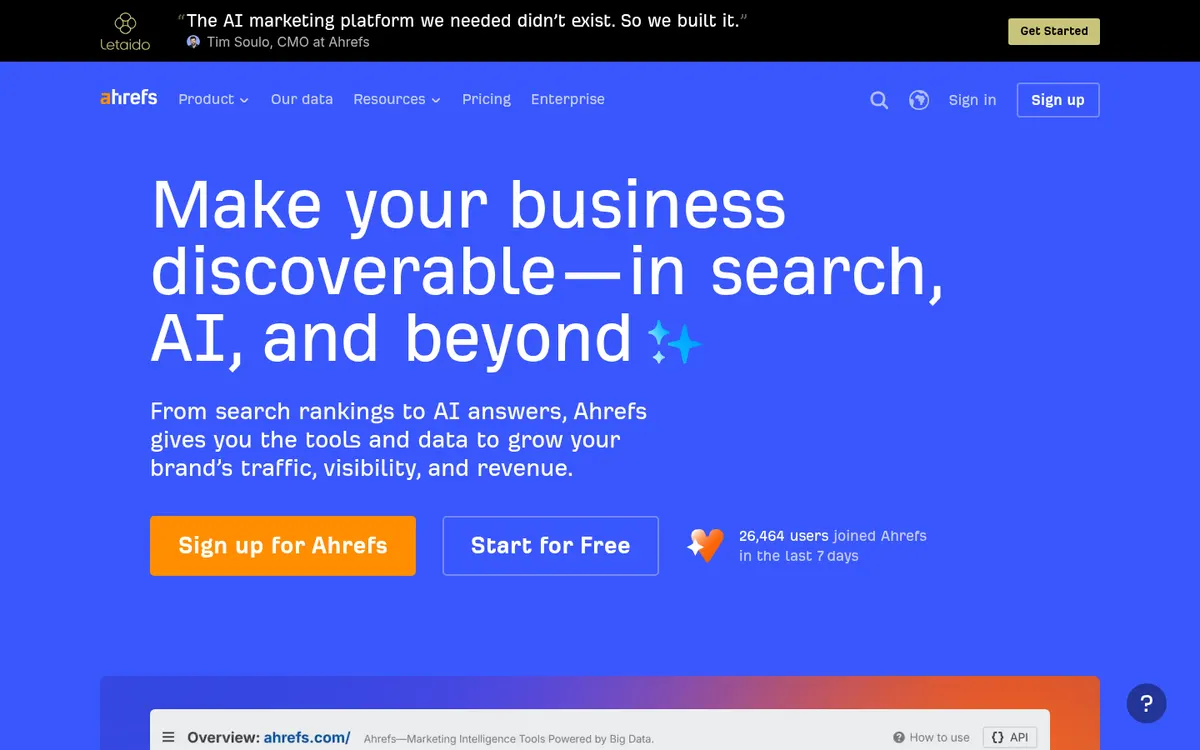
Backlink depth sets the standard, but the $29 Starter is a taster and real team use means Standard at $249 per month.
Ahrefs is a backlink-first platform. Site Explorer is the core backlink tool with a daily crawl. Keywords Explorer covers more than 20 billion keywords across 217-plus countries, and Site Audit handles technical issues without a second subscription. If link building is the job, this is the shortest path to the data.
The catch is the plan ladder. Starter costs $29 per month, but it is monthly-only, runs on credits and caps how much you can pull, so it suits a solo consultant testing a niche, not a team running client work. Full feature use often means Standard at $249 per month, and multi-person teams pay per seat on top. There is no free trial, only a limited free account with Site Explorer and Site Audit access.
It does not brief a writer, grade a draft or publish a page. It fits link builders, agencies and in-house SEOs whose questions start with who links to them, and fits less well as a content team's only tool.
Pros
- Deep backlink index with daily crawling
- Keyword data across 217-plus countries
- Low $29 entry point for solo testing
Cons
- No free trial
- Starter is monthly-only with tight credit caps
- Standard costs $249/mo plus seat fees
Pick it if
Backlink research and link prospecting are the core of your week and you can fund the Standard tier for team use.
Skip it if
You need content drafting, publishing or a free trial before committing.
Surfer
Live draft scoringDiscovery, $49/mo billed yearlyNo free planRubric 7.2
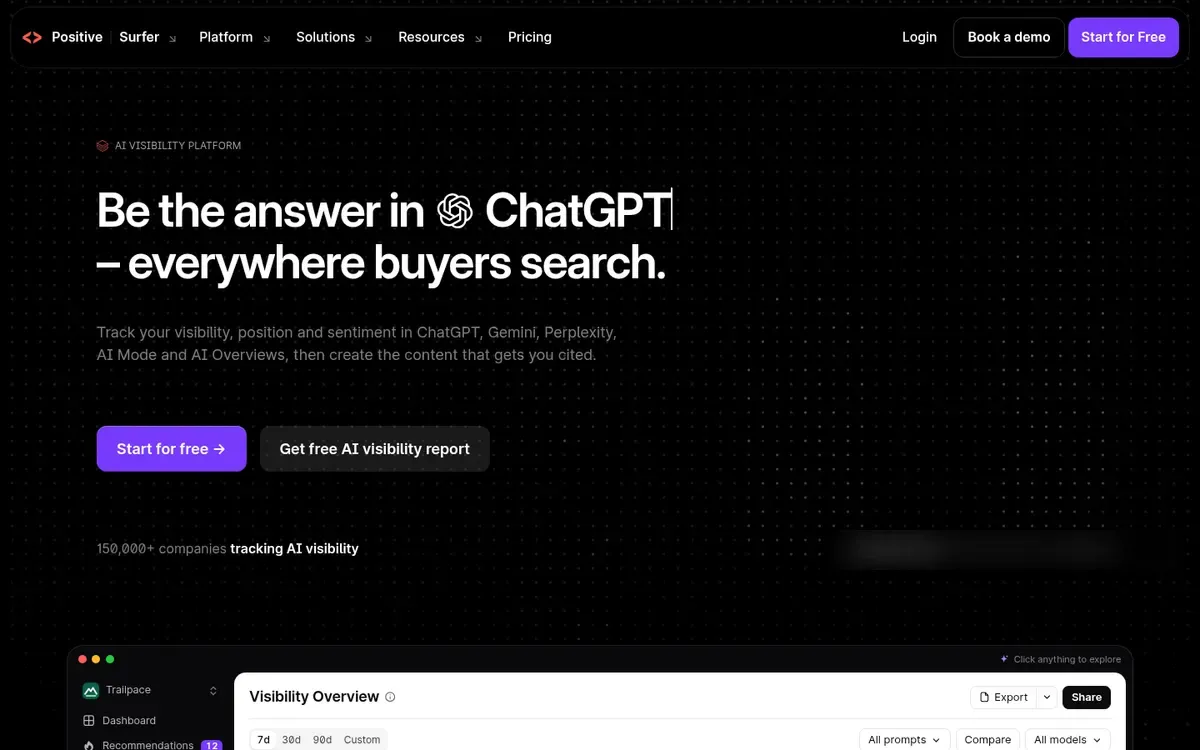
The clearest pass or fail signal for writers, provided you already have keyword research and can live inside the document caps.
Surfer grades a draft against the pages already ranking. The Content Editor scores text in real time. Content audits and topical maps cover planning, and higher plans add AI visibility tracking for ChatGPT, Perplexity and AI Overviews. The 2026 lineup is Discovery, Standard, Pro and Peace of Mind, and surferseo.com redirects to surfer.ai.
Discovery at $49 per month billed yearly includes only 120 documents per year, and caps cover audits and SERP analyses too. Standard at $99 per month billed annually is the realistic team tier, with 30 documents per month and 3 seats. There is no free plan. Paid plans carry a 7-day free trial, enough to push two real briefs through the editor and see whether writers accept the scoring or fight it.
Surfer fits content teams publishing regularly who want a repeatable standard before an editor opens the draft. It does not replace keyword research, rank tracking or backlink data, so plan a second tool unless those needs are covered.
Pros
- Real-time draft scoring against ranking pages
- Topical maps and content audits included
- AI visibility tracking on higher tiers
Cons
- No free plan
- Discovery caps 120 documents per year
- Standard at $99/mo annually is the realistic tier
Pick it if
Your team publishes consistently and wants one scoring standard that writers and editors both work from.
Skip it if
You still need keyword research, backlink data or a free tier before you spend.
Keytomic
FeaturedPublish-ready content queuePro, $99/mo billed monthlyNo free planRubric 7.9
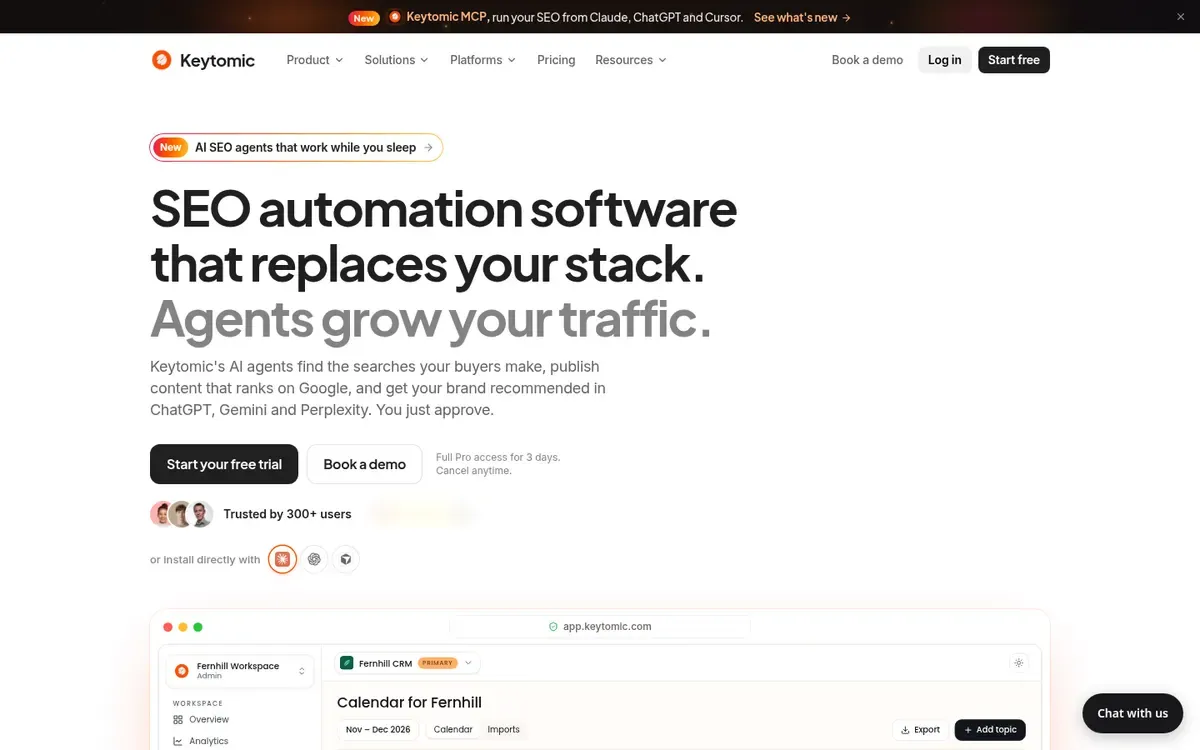
Turns research, drafting, publishing and AI citation checks into one approved queue, with data depth that is real but not Ahrefs-grade.
Keytomic is the Featured listing here, scored on the same five criteria. It attacks the handoff problem: domain and competitor scanning feed topical map generation, a 30-day content calendar goes out for approval, and AI drafting uses a brand profile and author bios before publishing to WordPress, Shopify, Webflow, Framer and other CMSs, with indexing and Search Console/GA4 integration. That turns a four-tool pipeline into one queue.
The Pro plan costs $99 per month, includes 3 seats and 30 articles a month. Activation is a 3-day trial at $1, then $99. There is no free plan. A free 25-page technical audit through the MCP server needs no account. AI citation tracking depends on plan; the Agency tier at $999 per month adds Perplexity and Claude.
Two limits: keyword and backlink data will not replace Ahrefs for link building, and AI drafts on commercial pages still need an editor pass. It fits teams publishing at volume, and fits less well for pure link building.
Pros
- Research to publishing in one workflow
- Content calendar approved before writing
- Publishes to WordPress, Shopify, Webflow and Framer
Cons
- Keyword and backlink data will not replace Ahrefs
- AI drafts still need an editor on commercial pages
- 3-day trial only, and no free plan
Pick it if
Your bottleneck is moving approved content from research to a live CMS with AI citation tracking attached.
Skip it if
You need a deep backlink database or you publish too rarely to use 30 articles a month.
Clearscope
Unlimited seats gradingEssentials, $129/moNo free planRubric 6.9
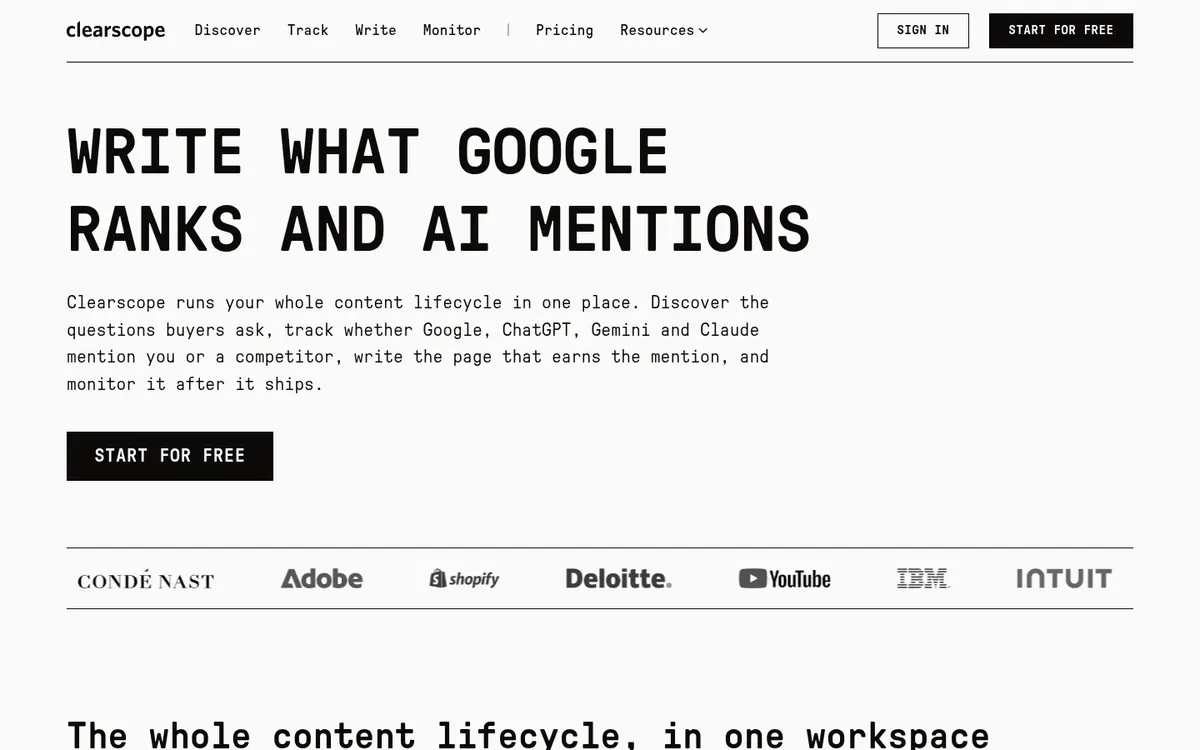
An editor's grading tool with unlimited seats, deliberately narrow, and worth it only if research and crawling are already covered.
Clearscope does one job. You give it a target query or a draft, and it grades the content from A to F against term and intent recommendations from the pages currently ranking. Editors like the output: a single letter and a term list, not a dashboard. Unlimited users and projects are included on every plan.
The trade is scope. There is no keyword research, no backlink data and no technical audit. Essentials at $129 per month covers 50 pages and 20 drafts per month. Business at $399 per month raises the ceiling to 300 pages and adds tracked queries. Both carry a 14-day free trial, enough to grade a handful of live pages.
Unlimited seats matter for a team needing several editor logins; a per-seat rival costs more once every editor and reviewer needs a login. Clearscope fits editors and content teams with keyword research handled elsewhere, wanting a consistent grade before publish. It fits poorly as a first purchase for a small business.
Pros
- Unlimited seats and projects on every plan
- Editor-friendly A to F grading
- 14-day free trial
Cons
- No keyword research, backlinks or technical audits
- Essentials caps 50 pages and 20 drafts per month
Pick it if
You have research covered and want every editor and freelancer grading drafts the same way without seat fees.
Skip it if
You need keyword data, backlinks or site audits from the same subscription.
Screaming Frog SEO Spider
Technical crawl depthFree (500 URLs); paid licence: see websiteFree planRubric 6.3
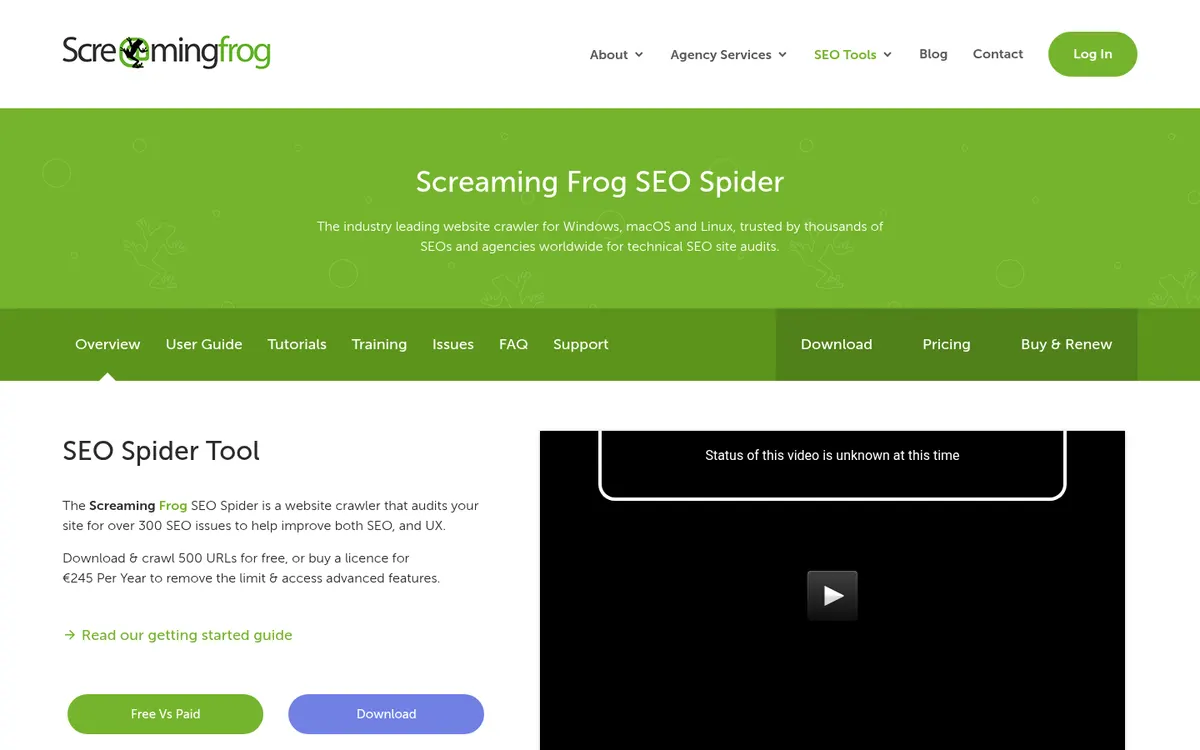
The cheapest route to a thorough technical audit, free up to 500 URLs, with no keyword, rank or backlink data at all.
Screaming Frog SEO Spider is a desktop crawler. You point it at a site, it crawls, and it produces 300-plus issue reports covering broken links, redirect chains, duplicate titles, thin content and hreflang errors. For technical audits, little gives more insight per dollar.
The free version crawls up to 500 URLs, enough for a small business site and a sensible first test on a larger one. A paid license removes that cap, but pricing is on the vendor site; our pricing page fetch returned no content, so we could not confirm the figure. Read the vendor page before budgeting. The license runs yearly, suiting teams auditing in bursts.
Two limits are structural. It is a desktop application, so large crawls need substantial RAM and a machine you control, and there is no keyword research, rank tracking or backlink index. It fits anyone needing a proper technical audit, especially teams that want to own the crawl, but fits badly as a beginner's single SEO tool.
Pros
- 300-plus issue reports from one crawl
- Free version crawls up to 500 URLs
- Yearly license instead of a subscription
Cons
- Desktop-only, and large crawls need RAM
- No keyword, rank or backlink data
- Paid license price could not be confirmed
Pick it if
You need a repeatable technical audit and want to own the crawl data instead of renting a cloud report.
Skip it if
You need keyword research, rank tracking or a tool a non-specialist can use unsupervised.
SE Ranking
White-label rank reportsCore, $103.20/mo billed annuallyNo free planRubric 7.6
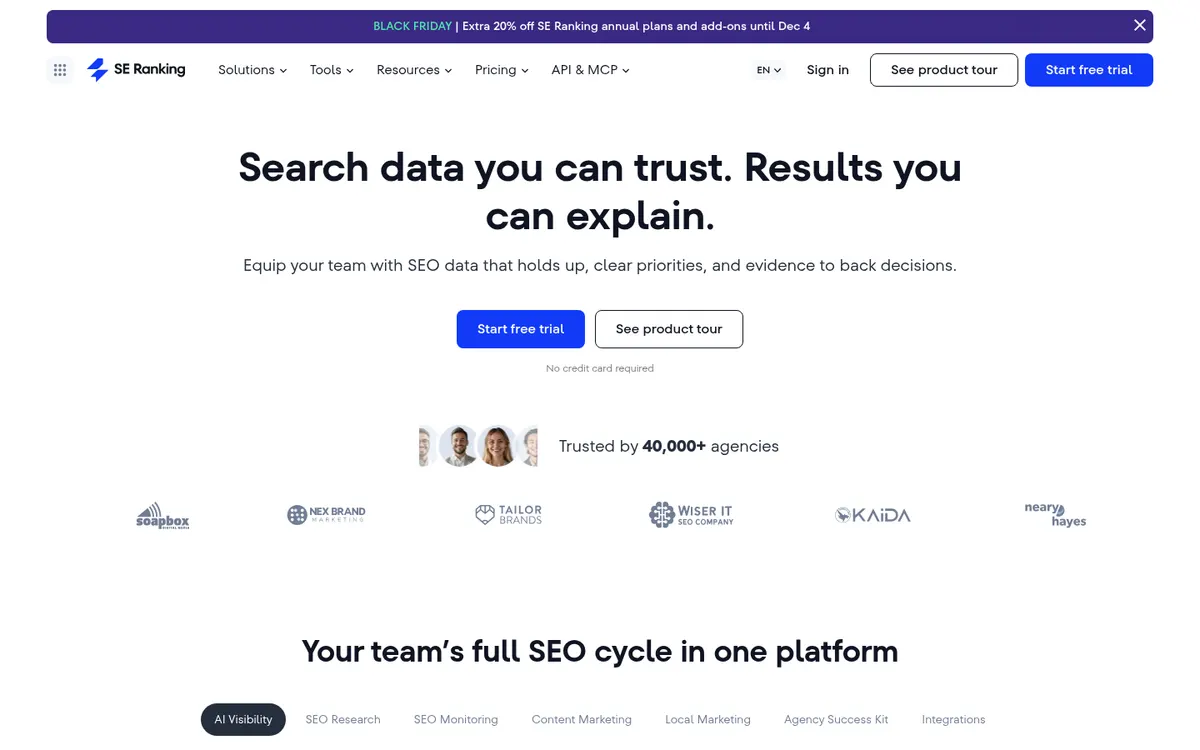
Daily multi-engine rank tracking and white-label reports at agency-friendly prices, with a backlink index that plays second fiddle.
SE Ranking competes on rank tracking and reporting rather than the biggest index. Daily checks run across Google, Bing, Yahoo and Yandex, with local pack tracking and separate mobile and desktop positions. White-label client reports are built in, so the deliverable needs no second tool.
Around that core it adds keyword research, site audit and backlink monitoring, plus AI search visibility add-ons. The backlink index is thinner than Ahrefs or Semrush, so treat it as monitoring rather than link prospecting. Some agency features and AI visibility modules are add-ons, worth checking before comparing headline prices.
Core starts at $103.20 per month billed annually and Growth at $223.20 per month. Tracked keyword volume is the main cost driver, so estimate keywords before picking a tier. A 14-day free trial needs no credit card. SE Ranking fits agencies and freelancers who sell reporting and need daily multi-engine positions at a lower cost than the largest platforms. It fits less well for deep backlink research.
Pros
- Daily rank tracking on four engines
- White-label client reports built in
- 14-day trial, no credit card required
Cons
- Backlink index thinner than the leaders
- Price scales with tracked keyword volume
- Some agency and AI features are add-ons
Pick it if
You sell monthly SEO reporting and want accurate local and multi-engine positions without a large platform bill.
Skip it if
Backlink research is central to your work or you need every module bundled at one price.
Ubersuggest
Lifetime purchase optionSee websiteFree planRubric 6.0
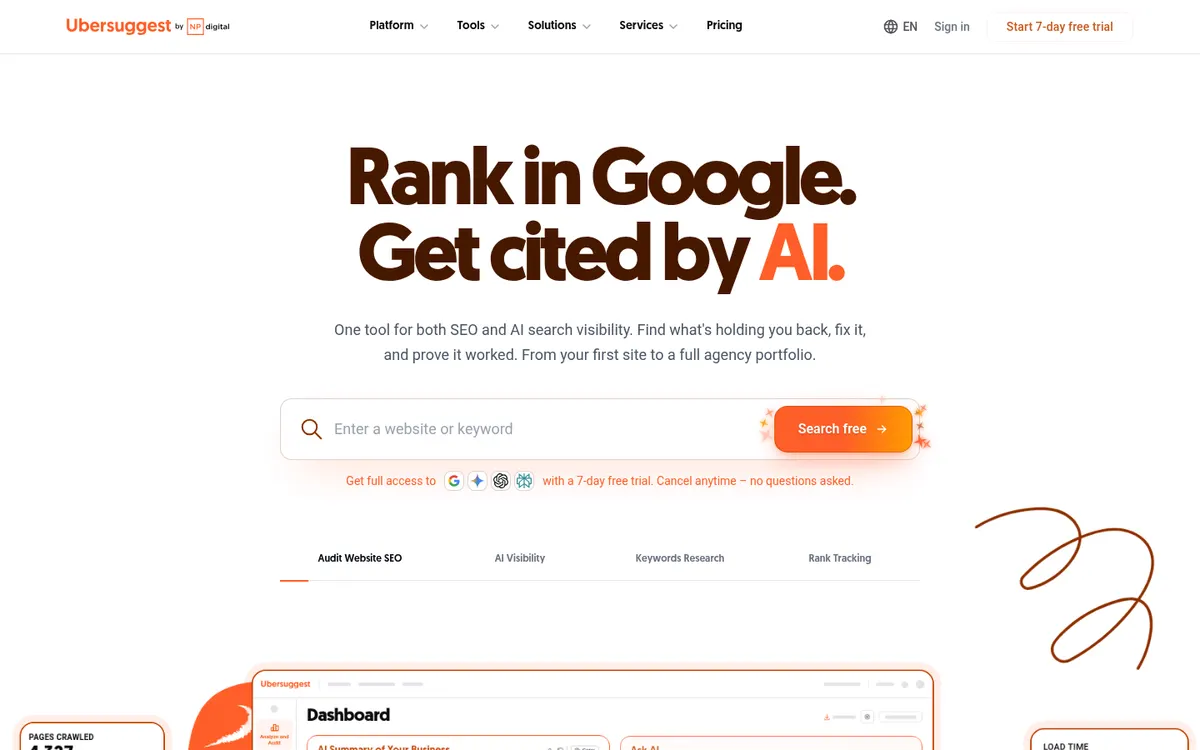
A simple, low-cost start for solo owners, with thinner data and moveable promotional pricing that rewards checking at checkout.
Ubersuggest aims at the owner who does their own SEO between other jobs. Keyword ideas, long-tail research, a site audit, competitor overview and rank tracking sit behind one simple interface with no training required. A blogger or single-location business can use it by lunch, a real advantage when nobody on staff is an SEO specialist.
The data is the trade. Backlink data is thinner than the paid leaders, and accuracy trails them in competitive niches, so use it for direction rather than link gap analysis. There is a limited free tier, and paid plans carry a 7-day free trial, enough to test a handful of keywords and one audit.
Pricing is on the vendor site. Our notes put monthly tiers at $29, $49 and $99, with a lifetime Individual option advertised at $290; confirm at checkout. Ubersuggest fits solo owners and bloggers doing budget keyword research and basic tracking. It does not fit an agency managing client link profiles or a team needing export volumes.
Pros
- Low-cost paid entry with a lifetime option
- Simple interface for non-specialists
- Limited free searches every day
Cons
- Backlink data thinner than paid leaders
- Accuracy trails in competitive niches
- Promotional pricing changes often
Pick it if
You run one site yourself and want keyword ideas, a basic audit and rank tracking without a monthly commitment.
Skip it if
You manage client sites, need reliable backlink data or want stable pricing you can budget for.
Yoast SEO
In-editor on-page checksPremium, $9.90/mo billed annually ($118.80/yr)Free planRubric 6.4
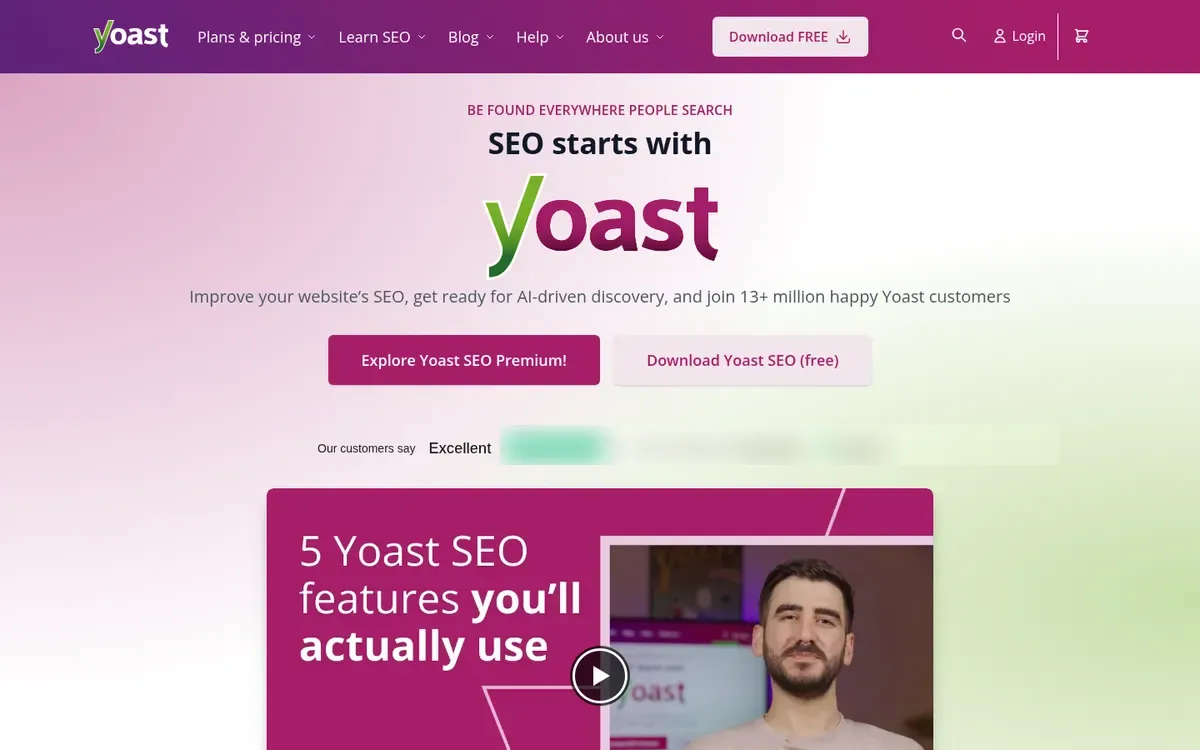
The right last mile for WordPress on-page work, and never a substitute for research, rank tracking or link data.
Yoast SEO lives inside WordPress, which gives it a narrow on-page scope. The free plugin handles titles, meta descriptions, XML sitemaps, schema output and readability checks, with real-time content analysis and a search preview. For a site owner who never leaves the CMS, that covers the on-page basics without another login or bill.
Premium at $9.90 per month billed annually ($118.80 per year) adds AI-generated titles and descriptions, automatic redirects and internal linking suggestions. Premium is priced per site, so a portfolio multiplies the cost.
What it does not do matters. There is no keyword research, no rank tracking and no backlink data. Yoast grades a single page; it will not tell you which page to write next or who links to your competitor. There is no trial, because the free plugin demonstrates: install it and check three pages. Yoast SEO fits WordPress site owners handling on-page SEO inside the CMS. It fits badly if you need research, competitive data or reporting across multiple sites.
Pros
- Free plugin covers core on-page SEO
- Works inside the WordPress editor
- Premium adds AI suggestions, redirects and internal linking
Cons
- No keyword research or rank tracking
- No backlink data
- Premium is priced per site
Pick it if
Your site runs on WordPress and you want titles, schema, sitemaps and readability handled where you write.
Skip it if
You need keyword research, rank tracking or backlink data from the same purchase.
SpyFu
Competitor ad historyBasic, $59/mo billed monthlyNo free planRubric 6.7
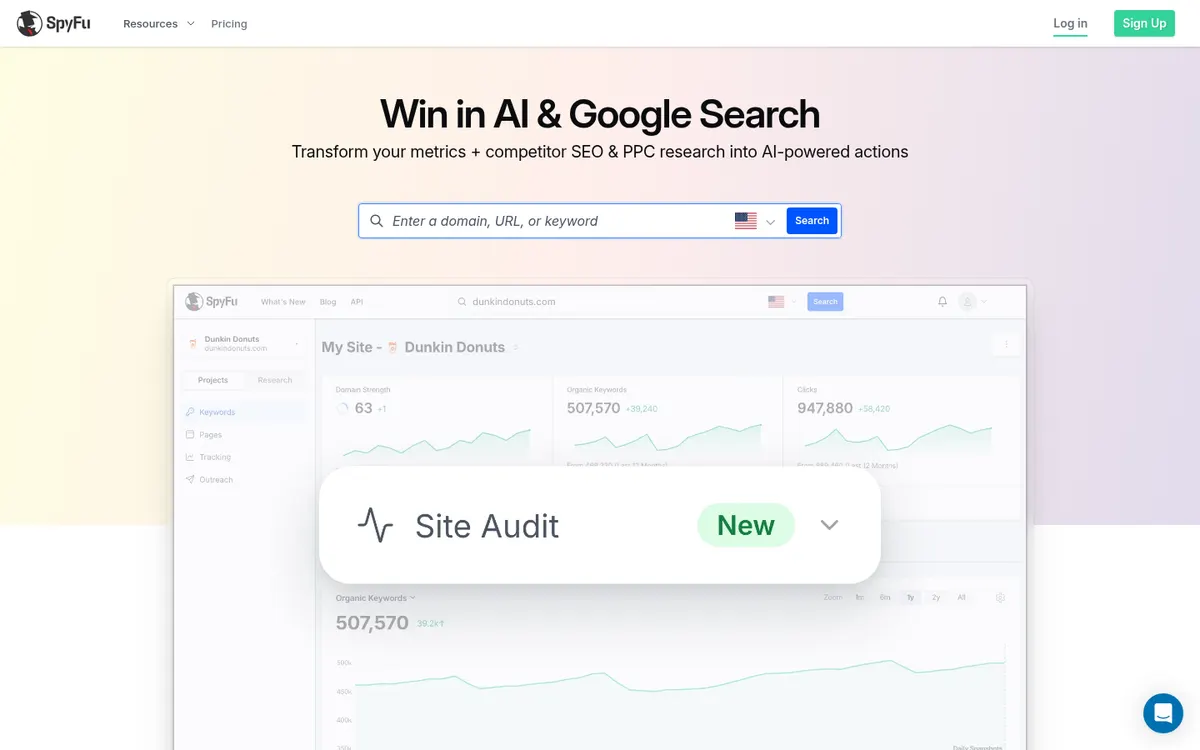
Long competitor history for less than Semrush, aimed at SEO and PPC research, with backlinks and audits left to other tools.
SpyFu is a competitor research tool with a long memory. It shows organic and paid keywords for a domain, ad copy history and historical records going back more than a decade, plus Kombat for comparing keyword gaps between two sites. That history lets you see when a competitor started bidding on a term and what the ad said two years ago.
It is cheaper than Semrush for pure competitive research. Basic runs $59 per month, higher than the $39 figure, so check the checkout page. Professional is $79 per month. A 30-day money-back guarantee replaces a free trial, and limited free searches are available without an account.
The scope is narrow. There is no serious backlink database and site audit is basic, so it will not replace a crawler or link tool. Data updates are slower than large platforms, which matters for fast paid search monitoring. SpyFu fits marketers needing competitor keyword research for SEO and PPC, but fits less well as a single tool.
Pros
- Competitor history going back more than a decade
- Cheaper than Semrush for pure competitive research
- 30-day money-back guarantee
Cons
- No serious backlink database
- Site audit features are basic
- Data updates are slower than large platforms
Pick it if
You want to see what competitors bid on and rank for, and you already own a crawler and a link tool.
Skip it if
You need backlink prospecting, technical audits or real-time paid search monitoring.
What does SEO software actually do for a buying team?
SEO software is a set of measurement and production tools for the work between a search query and a page that ranks for it. The category is not one product. It is four or five different jobs sold under similar names, and most buying mistakes come from picking a tool built for a different job than the one you have.
The biggest group is all-in-one platforms, where Semrush sits. They hold keyword databases, crawl your site for technical problems, track positions, index backlinks and, in Semrush's case, add paid search, content and local tools. You buy breadth and one login, and you pay for it in seats and tier pricing.
The second group is specialists. Ahrefs concentrates on backlinks and keyword data. Screaming Frog crawls a site and reports technical problems with no keyword or link data at all. SpyFu covers competitor research across organic and paid search. Each does one job better or cheaper than a generalist.
The third group is content tooling. Surfer and Clearscope grade a draft against the pages currently ranking, which standardizes editing decisions across writers. Yoast does a narrower version of the same job inside WordPress, checking titles, schema, readability and internal links. Keytomic extends content tooling into publishing, with an approval calendar, AI drafts and multi-CMS distribution.
Three questions sort the category quickly:
- What decision am I making this week: which page to write, why a page will not rank, or who links to a competitor?
- Who else needs access, and does the plan charge per seat?
- Which cap will I hit first: documents, tracked keywords, crawled URLs or credits?
Answer those and the shortlist usually drops to two or three tools. Then the only test that matters is a live project: one real brief, one real crawl, one real competitor.
This comparison sits on the SEO desk. Readers comparing neighbouring stacks often check our guides to email marketing platforms for ecommerce and ChatGPT alternatives next.
How SEO software pricing works, and where the bill grows
SEO software bills in five patterns, and the headline price rarely matches the invoice after month one. Seat fees, volume caps and per-site licensing do most of the damage. | Model | How it bills | Typical fit | Example from this list | | --- | --- | --- | --- | | Seat-based subscription | Monthly or annual account fee, one seat included | Teams sharing research | Semrush SEO plan at $117.33/mo billed annually, one seat, extra seats $45 per user per month | | Volume and credit tiers | Fee scales with tracked keywords, documents or credits | Agencies with uneven client loads | SE Ranking Core at $103.20/mo billed annually; Ahrefs Starter at $29/mo on credits | | Flat annual license | One payment per year, no monthly subscription | Consultants auditing in bursts | Screaming Frog SEO Spider, free up to 500 URLs, paid license priced on the vendor site | | Per-site plugin | Annual fee for each website | WordPress site owners | Yoast SEO Premium at $118.80 per year per site | | One-time purchase | Single payment, no renewal | Solo owners avoiding subscriptions | Ubersuggest lifetime Individual option advertised at $290 | Seat-based plans look cheap until more people need logins: Semrush charges $45 per user per month beyond the first. Volume tiers are the opposite problem, where the price reflects work you may not do. Ahrefs Starter at $29 per month runs on credits, and Standard at $249 per month is where the full feature set lives. Annual billing usually cuts the monthly rate, which is why Semrush shows $139 monthly against $117.33 billed annually. Trials vary just as much: 14 days at Clearscope and SE Ranking, 7 days at Semrush, Surfer and Ubersuggest, 3 days at Keytomic after a $1 activation, and no trial at Ahrefs, Yoast or Screaming Frog, which rely on free accounts or free versions instead. Budget for the tier you will need in month three, not the entry price.
Every price above was checked on the vendor's own pricing page on November 25, 2026. Where a vendor does not publish a figure we write "See website" instead of guessing. To compare annual and monthly billing quickly, try the free percentage calculator.
How to choose SEO software in six practical steps
Name the job first. Write down the question you need answered most often, whether that is who links to a competitor, why a page will not rank, or what to write next. The answer usually points to one category rather than to an all-in-one.
Check the data you need. Backlink work points to Ahrefs. Technical problems point to Screaming Frog. Competitor ad history points to SpyFu. If you need two of those, decide which one the subscription must cover and which one can wait.
Price the real seat count. Count everyone who needs a login, including freelancers. Semrush adds $45 per user per month after the first seat, while Clearscope includes unlimited users. That gap can exceed the difference in headline price.
Read the caps before the trial. Check documents, tracked keywords, crawled URLs and credits. Surfer's Discovery plan allows 120 documents per year, and Semrush's entry plan allows 500 tracked keywords, so a large site can outgrow a cheap tier in a month.
Run one live project. Load a real domain with real competitors during the trial. Two briefs and one crawl tell you more than any feature list, and a 3-day trial at Keytomic means you should prepare before activating.
Confirm the price on the vendor page. Prices change, plans get renamed, and promotional discounts come and go. Check the checkout page on the day you buy rather than trusting a figure from a comparison article.
Five buying mistakes that cost SEO teams money
- Buying breadth you will not use. An all-in-one platform at $117.33 per month is poor value if you only open the rank tracker. Match the purchase to the job you do weekly, and add specialists as the work grows. - Ignoring seat costs. Semrush includes one seat and charges $45 per user per month after that; Ahrefs charges per seat on team plans. Extra users can add materially to a headline price before you have run a single campaign. - Testing with a demo project. A demo project hides the caps that decide whether a plan works. Load a real site with real competitors, and check the document, keyword or crawl limit before the trial ends. - Assuming a content grader replaces research. Surfer and Clearscope grade what you wrote; they do not tell you which keyword to target. Budget for research separately, or accept that the subscription covers half the job. - Locking into annual billing before a live test. A 7-day trial is enough to run two briefs and one crawl, not a full migration. Confirm the monthly rate and the refund position before you commit to a year.
Frequently asked questions
Which SEO tools are best for beginners?
Start with a cheap or free tool that shows you one job at a time. Ubersuggest has a limited free tier, monthly tiers listed at $29, $49 and $99, and a 7-day trial, and the Yoast SEO free plugin covers titles, sitemaps, schema and readability inside WordPress. Add a crawler such as Screaming Frog once you understand what a technical issue looks like.
How do Ahrefs and Semrush compare?
Ahrefs wins on backlink data, with a daily crawl and a backlink index for competitor link profiles, but full use often means Standard at $249 per month plus seat fees. Semrush is broader, covering keyword research, site audits, rank tracking, PPC research, content, social and local tools from $117.33 per month billed annually with one seat. Choose Ahrefs for links, Semrush for one-vendor breadth.
What free SEO tools are available and what are their limits?
Semrush offers a free account with one demo project and 10 reports per day. Ahrefs Free gives limited Site Explorer and Site Audit access. Screaming Frog's free crawler covers 500 URLs, Yoast's free plugin handles on-page basics, Ubersuggest allows limited daily searches, and SpyFu allows limited searches without an account. Free tiers show you the interface and the shape of the data; they rarely cover a full campaign or exports.
What budget fits a small business?
A single-site business can run on Yoast Premium at $118.80 per year plus a free crawler, and add Ubersuggest when keyword research becomes routine. A small team that needs competitive data can look at entry plans such as Semrush at $117.33 per month billed annually, which includes one seat, or SE Ranking at $103.20 per month billed annually. Content-heavy teams should add a grading tool such as Clearscope.
Do content optimizers need to be paired with an all-in-one platform?
Usually yes. Surfer and Clearscope grade drafts and recommend terms, but neither supplies keyword research, backlink data or rank tracking. The exception is a team that already buys research elsewhere or works from a fixed editorial plan. Keytomic takes a different route by bundling research, drafting, publishing and AI citation tracking, though its backlink data will not replace a dedicated link tool.
How many tracked keywords do I actually need?
Fewer than most plans try to sell you. Semrush's entry SEO plan allows 500 tracked keywords across 5 projects, and SE Ranking scales price with keyword volume, so count the queries you would act on rather than the ones you can monitor. A single-site business can start with a smaller tracked keyword count, and an agency should total client keywords before picking a tier.
Still choosing a tool?
Browse every comparison on the SEO desk, with the same rubric and dated prices.